Who’s Watching You?

BeckyStrause

Do you know who is watching you, while you’re in the privacy of your own home?

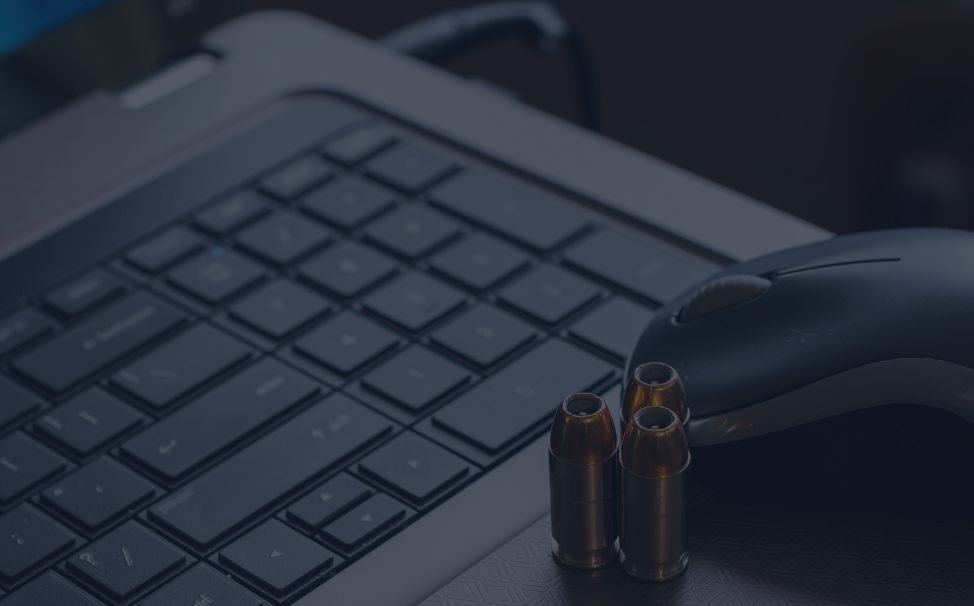
Apparently, according to various sources, there is now a whole culture of (mostly) men who are hacking into (mostly) women’s computers and webcams and spying on them.  They are using  remote administration tools (RAT) that are sent through emails, or posts online to access every part of a person’s computer.  This means they are able to see every bit of what the person has on her/his computer–every file, every picture, every document, etc.  Then they take control on the webcam, and can see anything the cam can be used to view.  Often times, the victims (who the hackers call “slaves”) are oblivious to the fact that they are being watched.

The hacker can completely take over the computer, sometimes creating screens that look like popups of things like obscene pictures.  The person being hacked may notice strange things happening, or even that her webcam light on, but he hacker can easily use official-looking messages to explain away those things.  “The first time I use a slaves cam tho I send a fake message saying something like the cams software is updating and the light may come on and go off periodically,” wrote a user on the Hack Forums website.

How can you keep safe from such attacks?  ARS Technica’s Nate Anderson explains, “Use a solid anti-malware program, keep your operating system updated, and make sure plugins (especially Flash and Java) aren’t out of date. Don’t visit dodgy forums or buy dodgy items, don’t click dodgy attachments in e-mail, and don’t download dodgy torrents. Such steps won’t stop every attack, but they will foil many casual users looking to add a few more slaves to their collections.”

As for the webcam aspect, there are a few things you can do:

  • Make sure your cam has a light that comes on when it’s in use.
  • Close your laptop when you’re not using it.
  • Put a piece of tape over you webcam to cover it while you’re not using it.

These articles give some more insight on this issue:

Please note:  The 2 articles linked are relatively inoffensive, albeit a little creepy .  However, the Atlantic Wire article references another article that may be too explicit for certain readers.   Eberly Systems does not endorse this type of explicit article.

January 20, 2026
Modern construction and manufacturing sites are no longer just about heavy machinery; they’re digital ecosystems. Tablets, laptops, IoT sensors, and mobile apps are now essential for everything from blueprint access to production monitoring. These tools enable real-time collaboration, safety compliance, and operational efficiency. But when your workforce is spread across remote job sites or large facilities, keeping these systems connected and secure becomes a challenge. Construction Blueprint & Plan Access: Crews use tablets to view updated plans on-site, reducing errors and rework. Safety & Compliance Reporting: Mobile apps allow instant incident reporting and safety checks. Equipment Tracking: IoT sensors monitor heavy machinery usage and maintenance needs. Manufacturing Production Line Monitoring: Tablets and IoT devices track throughput and detect anomalies. Quality Control: Mobile devices capture and share inspection data in real time. Inventory Management: Connected devices streamline material tracking and reduce downtime. These tools keep projects moving, but only if they’re secure, updated, and accessible anywhere. Why Remote Access Is Critical Construction sites and manufacturing plants often operate in remote or rugged environments. Workers need secure, reliable access to company systems, whether they’re in the field, on the shop floor, or traveling between sites. Without proper management, connectivity issues and security gaps can lead to delays, data breaches, and compliance failures. How a Managed IT Services Partner Helps You Win Partnering with a Managed IT Services provider lik e Eberly Systems ensures: Centralized Device Management: Configure, update, and secure all devices remotely using Microsoft Intune. Enterprise-Grade Security: Microsoft Defender protects against threats across IT and OT environments. Identity & Access Control: Microsoft Entra ID enables MFA and conditional access for subcontractors and BYOD scenarios. 24/7 Monitoring & Support: Proactive threat detection and performance monitoring keep operations running smoothly. Scalable Solutions: Whether you have 50 devices or 500, policies and updates roll out automatically. This means your teams can access critical tools and data securely anytime, anywhere, without worrying about downtime or cyber risks. Construction and manufacturing thrive on precision and speed. Technology makes that possible, but only when it’s managed effectively. A trusted Managed IT Services partner doesn’t just keep devices secure, it keeps your business moving, your workforce connected, and your data protected. Ready to empower your teams and safeguard your operations? Contact Eberly Systems today for a free consultation.
By Guest Blogger December 9, 2025
Why Device Management Is Critical
November 4, 2025
Why Cybersecurity Hygiene Matters for SMBs
October 28, 2025
Why Leading with AI Matters for Small and Medium-Sized Businesses
October 10, 2025
Fake CAPTCHA Sites Hijack Clipboard to Install Malware
October 10, 2025
Understanding Business Email Compromise (BEC)
By Kordel Eberly August 17, 2025
Welcome to the Cyber Cold War
fish hook
By Eberly Systems September 20, 2024
We're all in the same boat trying to avoid cybercrime! Here's our top ways to identify a potential phishing attempt.
By Eberly Systems September 10, 2024
Focus on integrating with new team members and new customers